
Cochlear™ Nucleus® Smart App
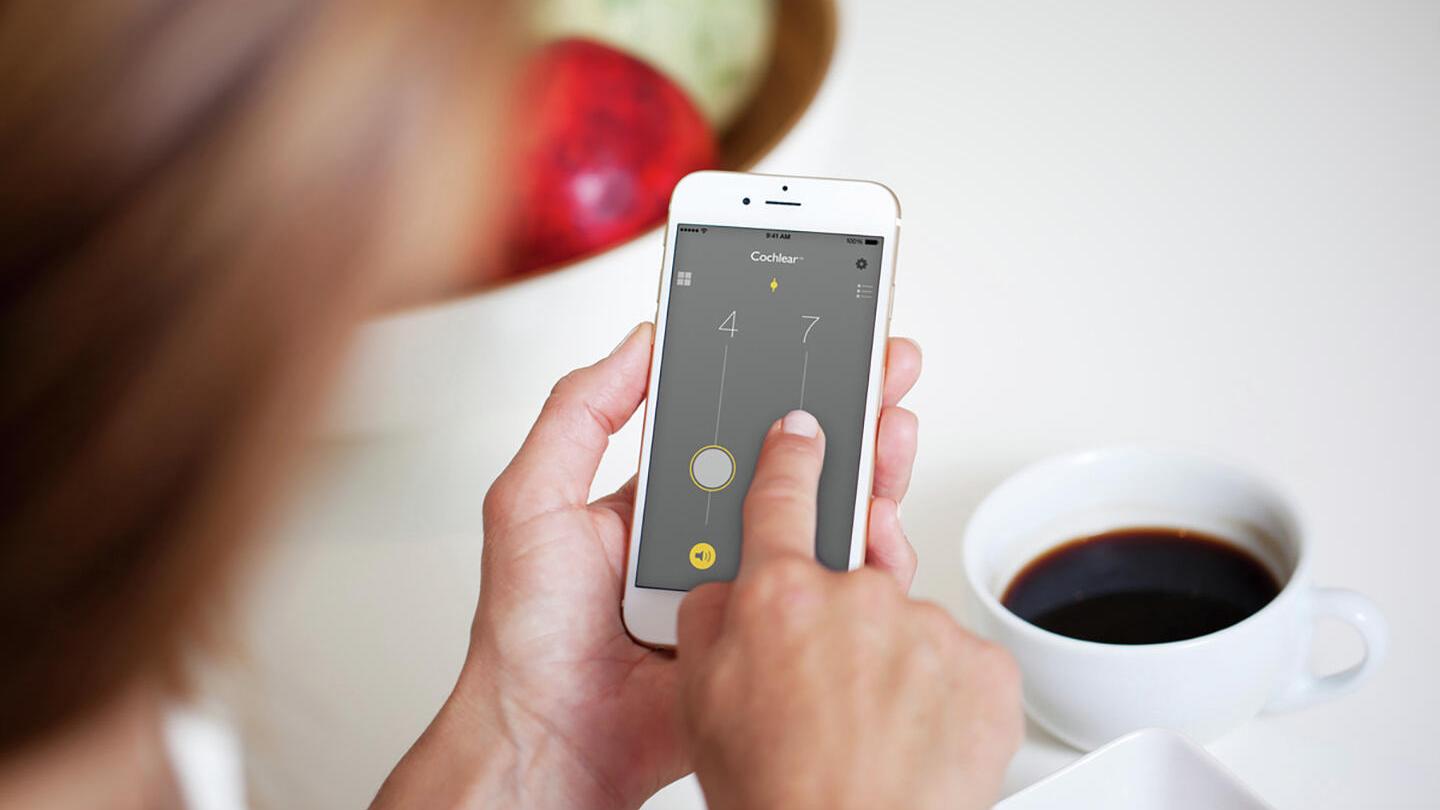
Designed specifically for the Cochlear™ Nucleus® 8, Nucleus 7 and Kanso® 2 Sound Processors, the Nucleus Smart App empowers users to manage their devices and hearing experience from a compatible Apple or Android smartphone* or Apple Watch® and allows users to stay connected and better monitor performance in the real world.
Cochlear Nucleus Smart App Capabilities
With the Nucleus Smart App, users can:
Monitor
- Monitor status of the sound processor
- Find a misplaced processor
- Access personalized hearing information with the Hearing Tracker
- Set up alerts and notifications to stay informed of disconnections
- Sound Check sound processor microphones
Control
- Quickly change programs or volume
- Start wireless streaming
- Fine tune the hearing experience and adjust the mixing ratio
- Control Cochlear sound processors and compatible GN ReSound hearing aids through the Nucleus Smart App
Connect
- Access Cochlear Remote Care^
- Receive Remote Firmware Updates
Download the Nucleus Smart App
To experience all the features of the Nucleus Smart App, download the app for free from the Apple App Store® or on Google Play® to test out the Nucleus Smart App on your compatible device.*


Remote Firmware Updates
Cochlear Nucleus 8, Nucleus 7, and Kanso 2 Sound Processors allow for the delivery of Remote Firmware Updates via the Nucleus Smart App. Timely firmware updates can help keep the sound processor running smoothly as well as enhancing connectivity by extending compatibility to the latest smartphones or hearing aids. Remote Firmware Updates allow users to conveniently update their sound processor(s) with the latest firmware without the need for an in-clinic visit.
Cochlear™ Remote Care
With Cochlear Remote Care^, users can benefit from the convenience of quality hearing care without the need to visit the clinic. Remote Care gives the flexibility to check-in and manage progress remotely. Use Remote Check to complete a hearing review and monitor progress, or Cochlear Remote Assist to have a video appointment and make adjustments if needed.


Disclaimer
This material is intended for health professionals. If you are a consumer, please seek advice from your health professional about treatments for hearing loss. Outcomes may vary, and your health professional will advise you about the factors which could affect your outcome. Always read the instructions for use. Not all products are available in all countries. Please contact your local Cochlear representative for product information.
For a full list of Cochlear’s trademarks, please visit our Terms of Use page.
Apple, the Apple logo, FaceTime, Made for iPad logo, Made for iPhone logo, Made for iPod logo, iPhone, iPad Pro, iPad Air, iPad mini, iPad and iPod touch are trademarks of Apple Inc., registered in the U.S. and other countries. App Store is a service mark of Apple Inc., registered in the U.S. and other countries.
Android is a trademark of Google LLC. The Android robot is reproduced or modified from work created and shared by Google and used according to terms described in the Creative Commons 3.0 Attribution License. Google Play and the Google Play logo are trademarks of Google LLC.
*The Cochlear Nucleus Smart App is available on App Store and Google Play. For compatibility information visit www.cochlear.com/compatibility
^Remote Check and Remote Assist for Nucleus sound processors are intended for ages 6 and older. Remote Check and Remote Assist features are only visible and accessible if they are enabled by a clinician. Clinicians should consider the suitability of the feature before enabling Remote Check and Remote Assist. Remote Check does not replace clinical care and does not involve remote programming of the sound processor. Only available at clinics that have enrolled in Remote Care.